
- Navigate anywhere in Poelis
- Search across products, items, properties, and documents
- Trigger actions (create, add, navigate)
- Ask structured questions using AI
- a global search
- a keyboard-first navigation tool
- a command launcher
- and an AI query interface
-
Press
⌘-K(MacOS) orCtrl-K(Windows and Linux) - Or click the command bar icon in the sidebar
Navigation with Search
If you start typing without a prefix, the Command Bar behaves like a global search. You can search for:- Property names
- Item names
- Product names
- Document names
- Content inside documents (PDFs)
- The entity name
- Its location in the hierarchy
- (For properties) the current value and unit
- (For attachments) a preview of the content with your query
Commands (/)
Typing / switches the Command Bar into command mode. This is where you explicitly tell Poelis what you want to do.
Smart Search (/ai)
The most powerful current command is Smart search. To use it, type / and select ai or just type /ai:
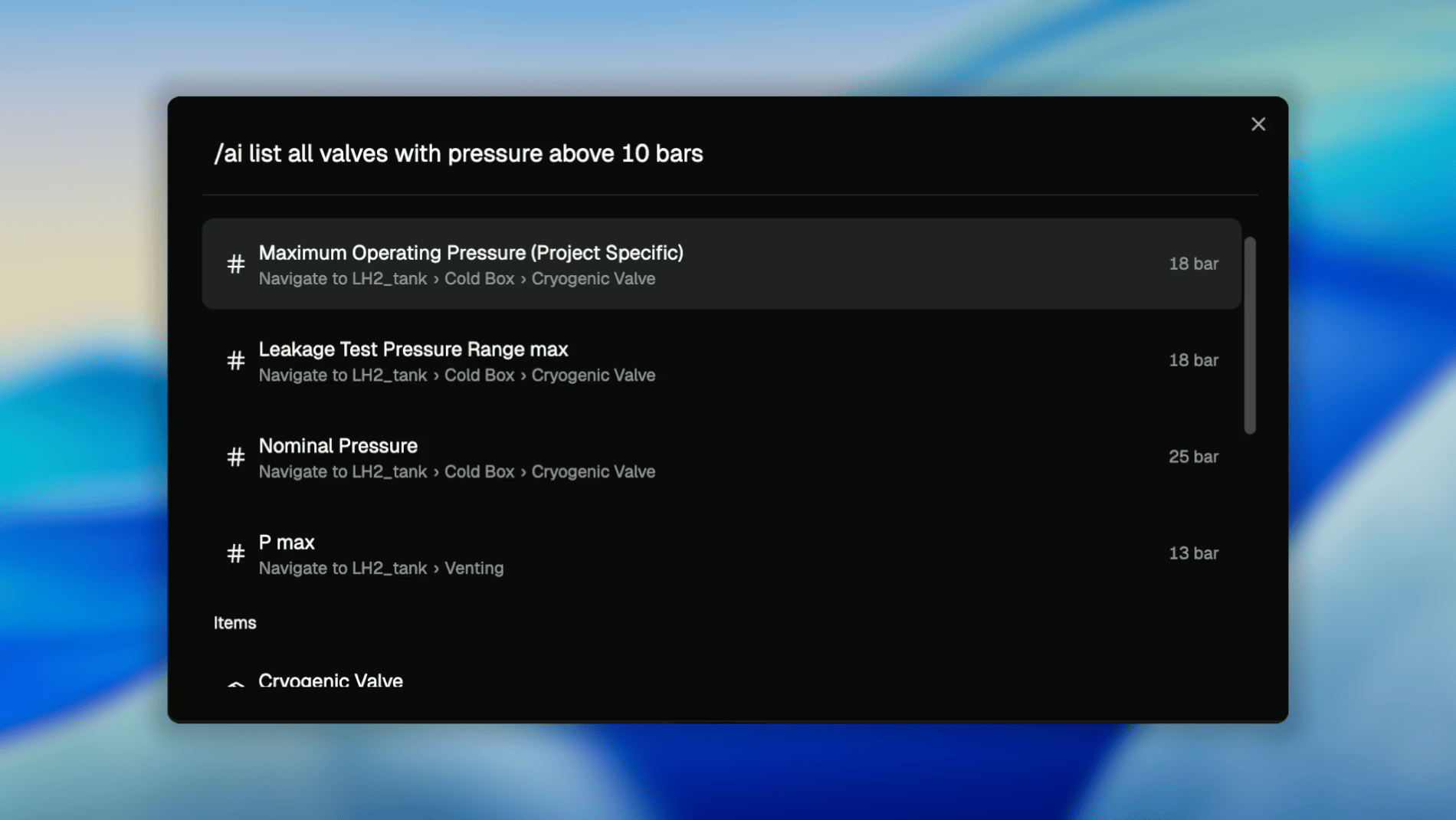
- Matching properties
- Their values and units
- The items they belong to
- Direct navigation links
How to Write Good AI Queries
AI search works best when you:- Use clear nouns (valves, tanks, batteries)
- Use explicit conditions (above, below, equal to)
- Include units when relevant (bar, kg, °C)