> ## Documentation Index
> Fetch the complete documentation index at: https://docs.poelis.com/llms.txt
> Use this file to discover all available pages before exploring further.
# Inbox - User manual
The Inbox is your notification center in Poelis and where you’ll find important updates on issues in your workspace.
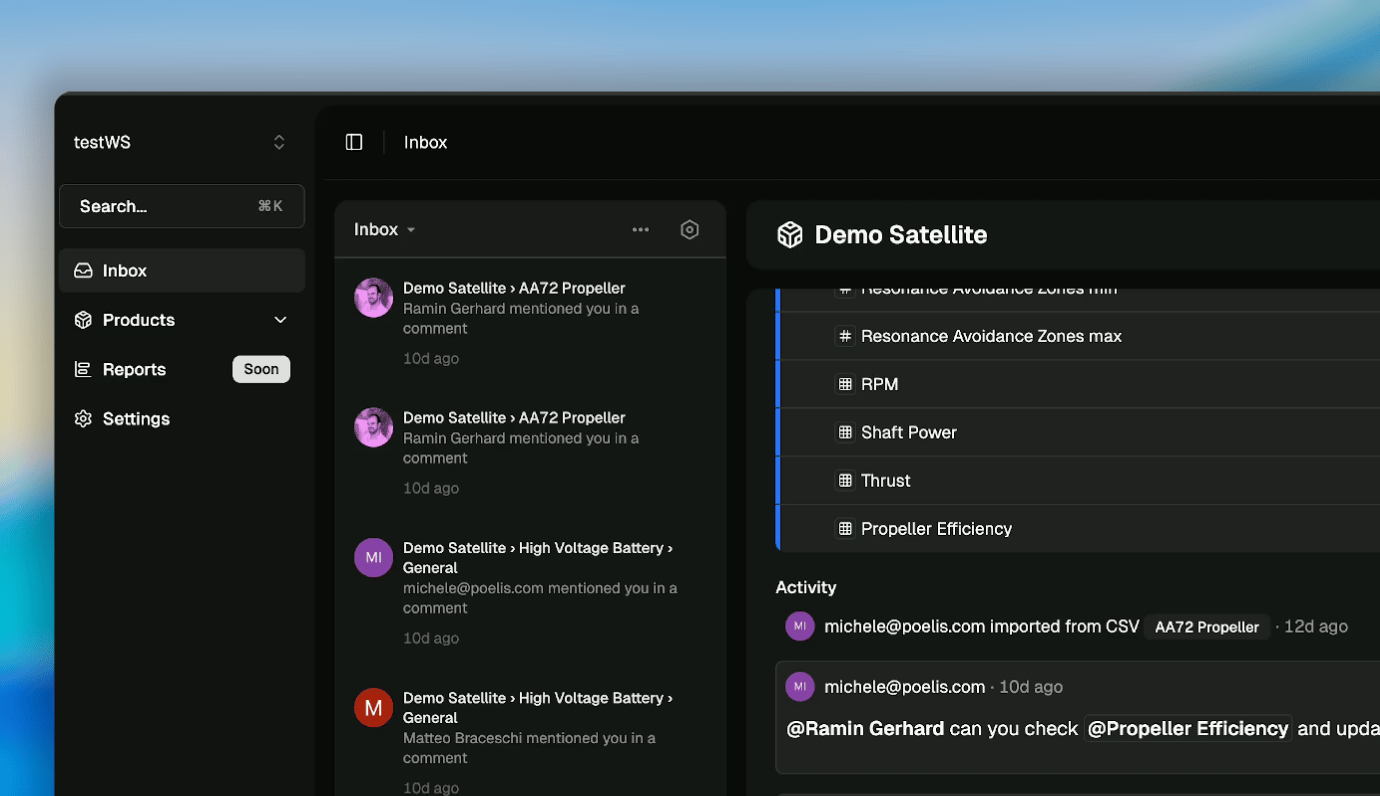 You'll receive an Inbox notification for key events on your subscribed items and products. You are automatically subscribed to items when you create them, are assigned to them, or are mentioned in an item description or comment.
## Notification actions
From the list view you can take Inbox-related actions such as archiving or snoozing notifications. Click on the action buttons that appear when hovering on top of a notification. You can:
* Mark notifications as unread
* Snooze notifications: it hides a notification from the Inbox. At the specified time, it will re-appear as a new notification and unread.
* Archive notifications
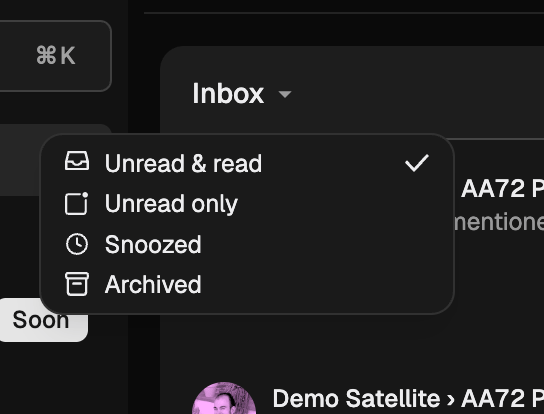
Open display options to update what properties are displayed on your notifications. You can toggle e.g. **Show snoozed** or **Show read** issues.
You'll receive an Inbox notification for key events on your subscribed items and products. You are automatically subscribed to items when you create them, are assigned to them, or are mentioned in an item description or comment.
## Notification actions
From the list view you can take Inbox-related actions such as archiving or snoozing notifications. Click on the action buttons that appear when hovering on top of a notification. You can:
* Mark notifications as unread
* Snooze notifications: it hides a notification from the Inbox. At the specified time, it will re-appear as a new notification and unread.
* Archive notifications
Open display options to update what properties are displayed on your notifications. You can toggle e.g. **Show snoozed** or **Show read** issues.
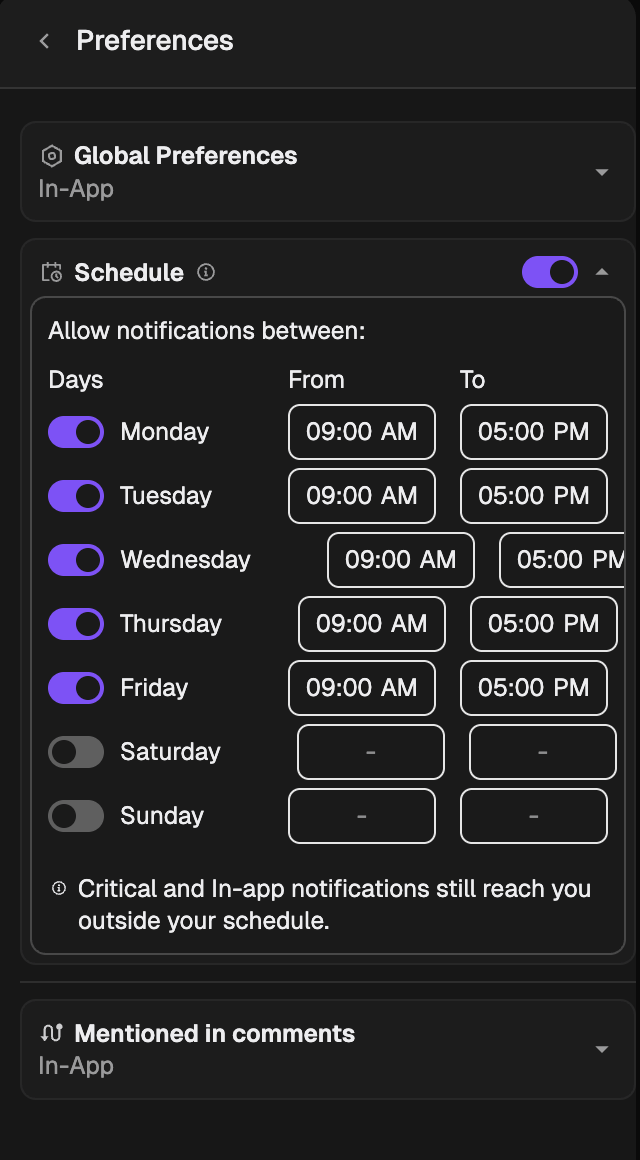
 You can also customize notifications setting by clicking the hexagon-shaped icon on the top right corner of the inbox section.