> ## Documentation Index
> Fetch the complete documentation index at: https://docs.poelis.com/llms.txt
> Use this file to discover all available pages before exploring further.
# Getting started - User manual
Poelis is designed to help engineering teams move fast, stay organized, and work efficiently. Whether you're a system engineer managing products, an engineering leader overseeing multiple teams, or a specialist who always needs an up-to-date baseline to run trade-offs and analyses Poelis offers a clean, intuitive platform that adapts to your needs.
This guide will walk you through the key features of Poelis and help you get set up quickly, so you can focus on what matters most: designing great products.
## Access Poelis
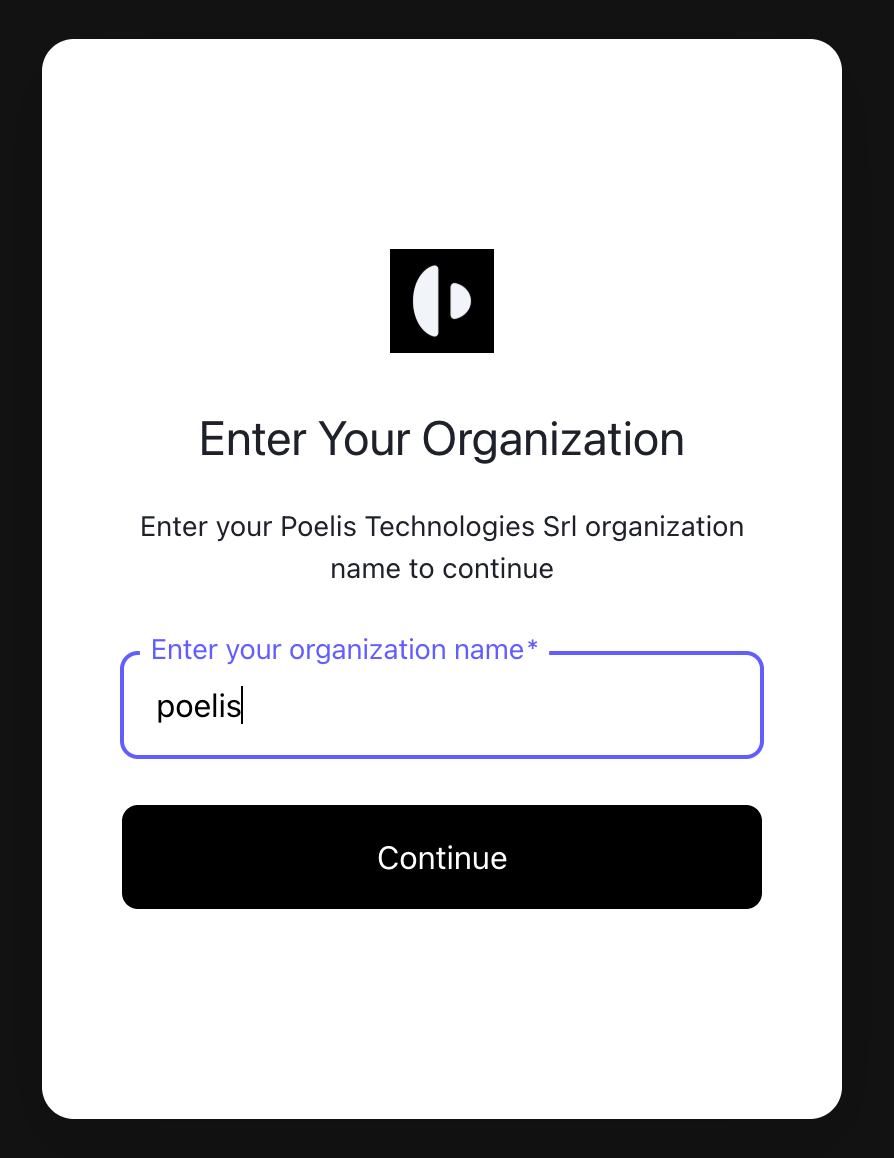
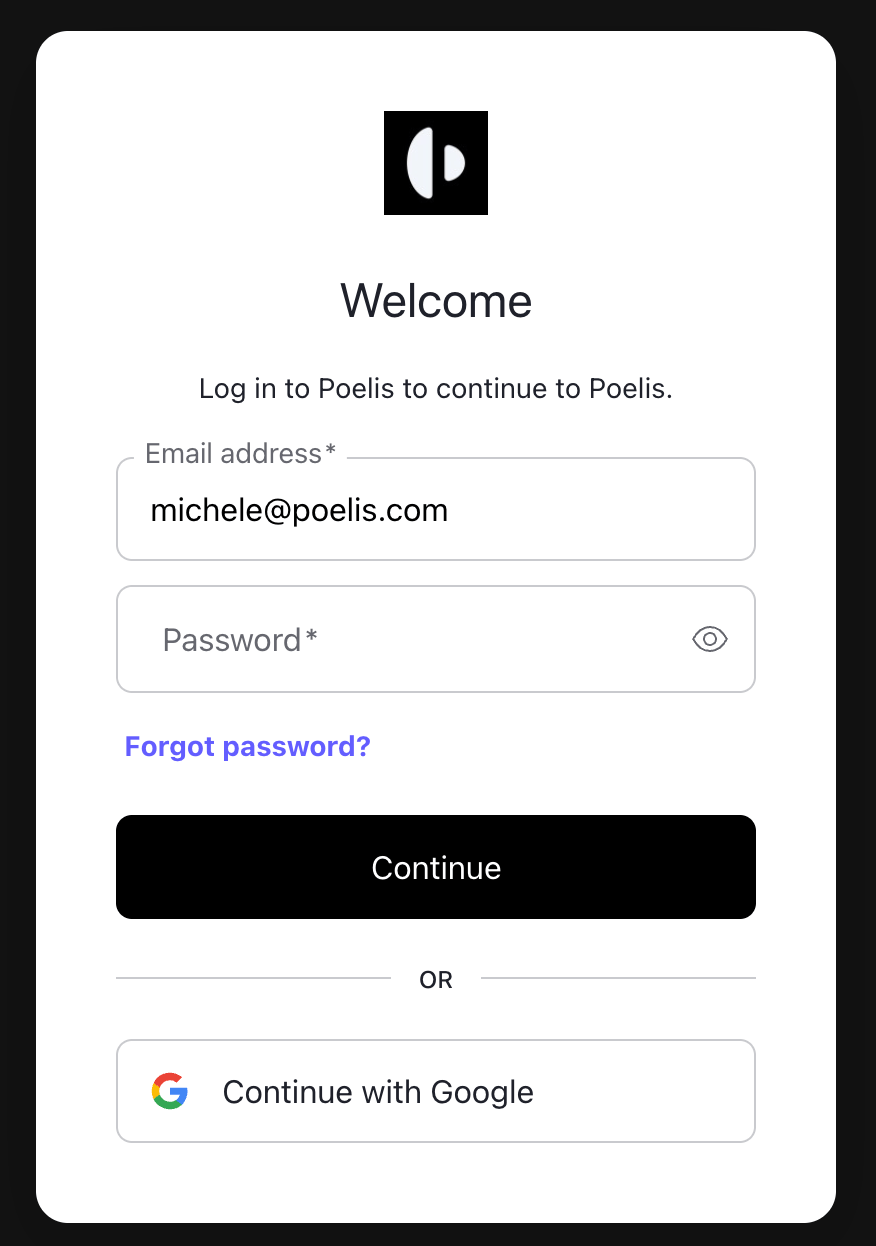
To get started with Poelis go to [app.poelis.com](http://app.poelis.com), type your organization ID, and then your credentials
 ## Basic Concepts
This section introduces the core concepts behind Poelis, helping you understand how information is structured so you can set up your workspace and navigate it effectively.
## Basic Concepts
This section introduces the core concepts behind Poelis, helping you understand how information is structured so you can set up your workspace and navigate it effectively.
 ### Workspace
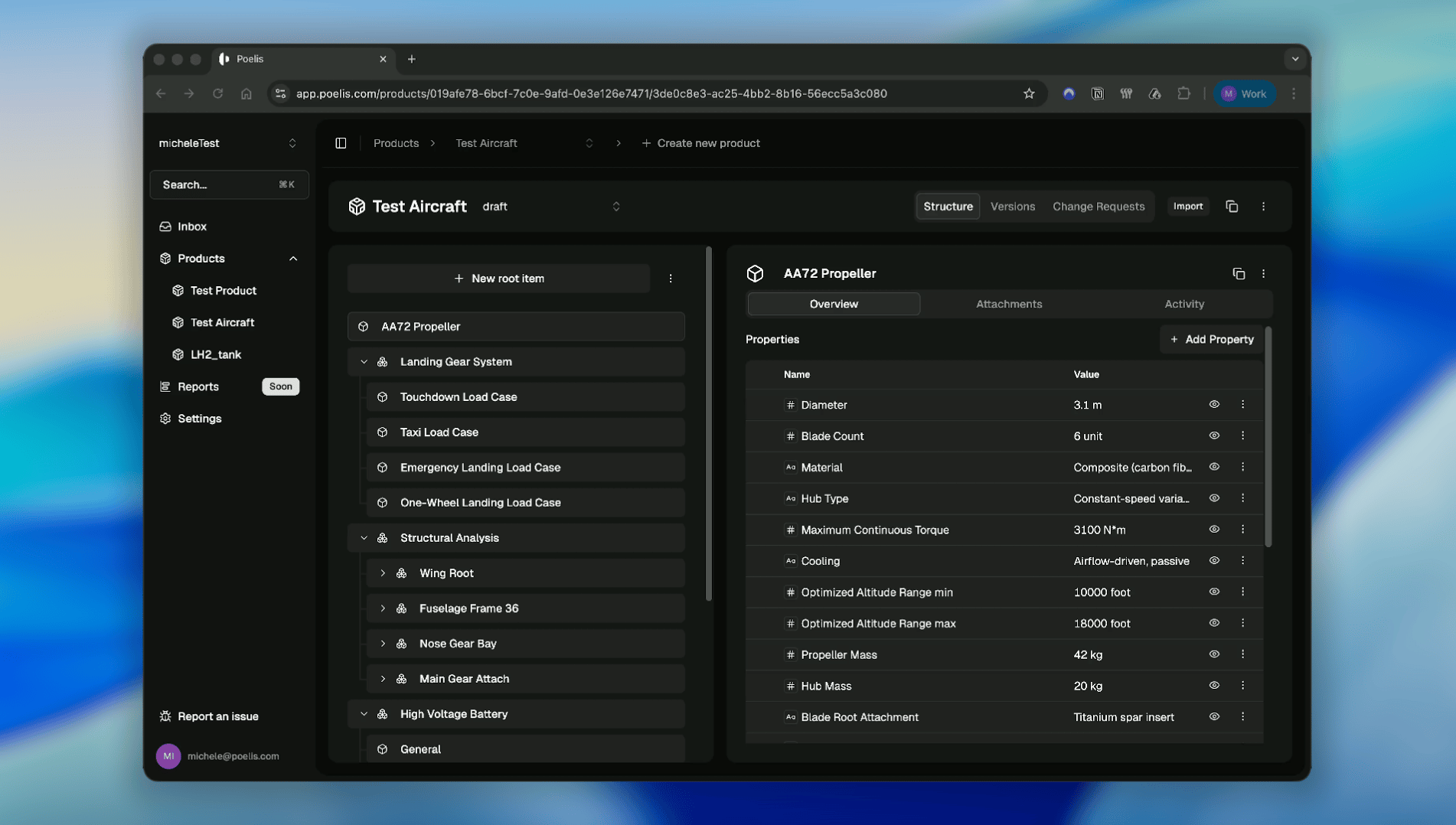
A **Poelis workspace** is the top-level container for all products, items, teams, and related concepts belonging to a single project or organizational context (for example, *“micheleTest”* in the image above).
As a user, you may have access to one or multiple workspaces. You can switch between them at any time using the workspace selector in the top-left corner of the application. Each workspace is isolated, ensuring that data, permissions, and configurations remain clearly separated across projects.
### Product
A product is the highest-level entity within a workspace. It typically represents a system or subsystem and serves as the main unit for organizing engineering data.
Products are versioned, allowing teams to track progress over time, create snapshots, and establish formal baselines. This makes it possible to manage evolution, compare versions, and maintain traceability across design iterations.
### Item
An **item** is the fundamental building block of a product. It represents a single, well-defined concept within the system, such as a requirement, component, interface, function, or test.
Items can be structured hierarchically enabling clear and navigable system models.
### Property
A **property** is the most basic concept in Poelis. It represents a single piece of information and is used to describe items. They can be linked to one another to express relationships such as composition and dependency.
Most concepts in Poelis either **contain properties** or **exist to organize and relate properties**. Every property must have a name and a value.
All additional metadata and relationships are optional, allowing Poelis to remain flexible while still enforcing a clear and consistent data model.
### Workspace
A **Poelis workspace** is the top-level container for all products, items, teams, and related concepts belonging to a single project or organizational context (for example, *“micheleTest”* in the image above).
As a user, you may have access to one or multiple workspaces. You can switch between them at any time using the workspace selector in the top-left corner of the application. Each workspace is isolated, ensuring that data, permissions, and configurations remain clearly separated across projects.
### Product
A product is the highest-level entity within a workspace. It typically represents a system or subsystem and serves as the main unit for organizing engineering data.
Products are versioned, allowing teams to track progress over time, create snapshots, and establish formal baselines. This makes it possible to manage evolution, compare versions, and maintain traceability across design iterations.
### Item
An **item** is the fundamental building block of a product. It represents a single, well-defined concept within the system, such as a requirement, component, interface, function, or test.
Items can be structured hierarchically enabling clear and navigable system models.
### Property
A **property** is the most basic concept in Poelis. It represents a single piece of information and is used to describe items. They can be linked to one another to express relationships such as composition and dependency.
Most concepts in Poelis either **contain properties** or **exist to organize and relate properties**. Every property must have a name and a value.
All additional metadata and relationships are optional, allowing Poelis to remain flexible while still enforcing a clear and consistent data model.